
krn:vks:supervisor:<supervisor>:vm:<vm>.
Permissions at a glance
VMs Celum does not own
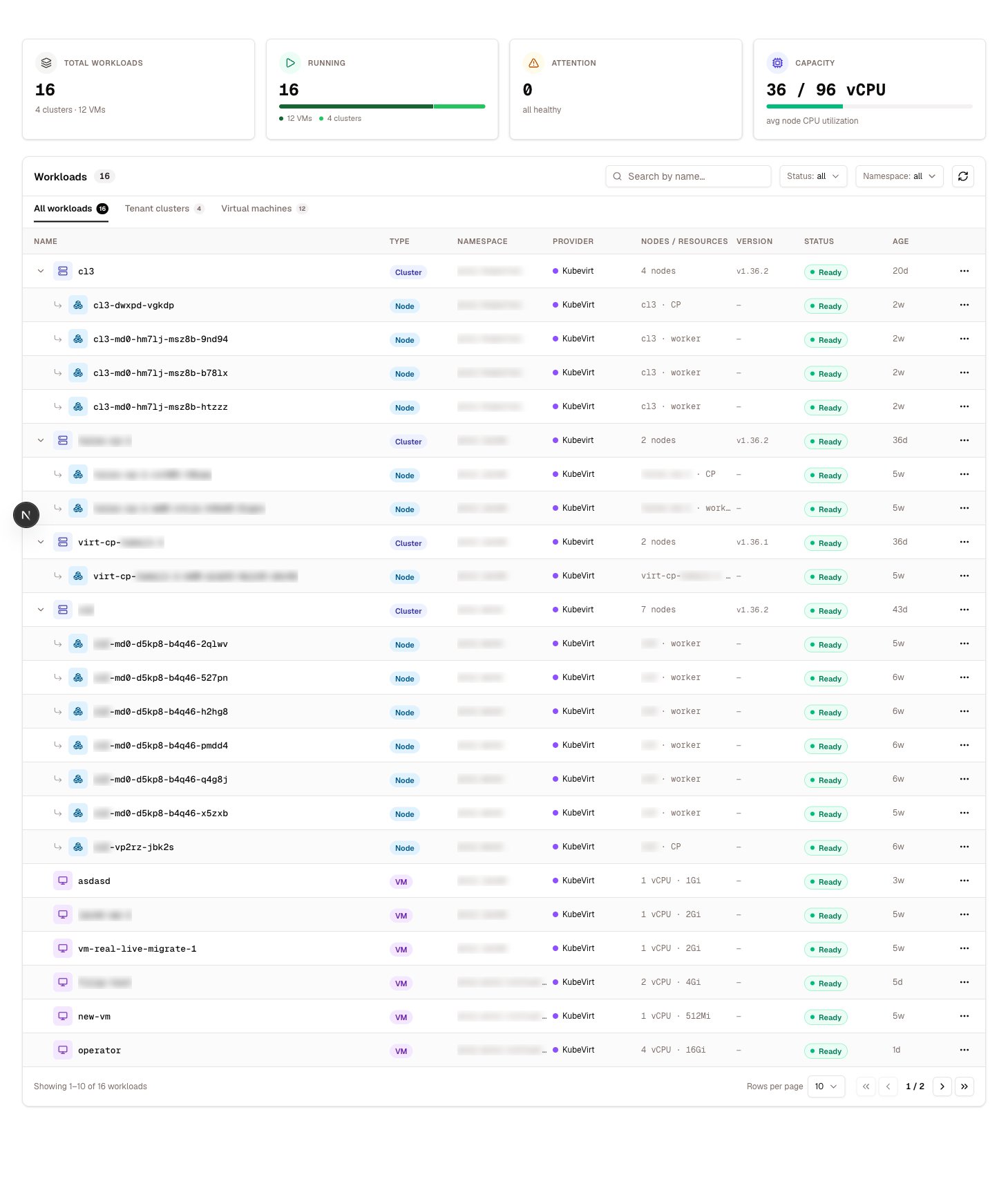
Not every VM on a supervisor was created by you. VMs provisioned by Cluster API as nodes of a guest cluster are managed — their lifecycle belongs to the controller that created them. The VM list distinguishes them, and shows the owning cluster and the node’s role (control plane or worker).Power operations
1
Stop
A graceful shutdown when
qemu-guest-agent is connected. Without the agent the guest gets no clean shutdown signal.2
Start
Boots the VM again. An ephemeral VM starts from the golden every time — everything written during the previous run is gone.
3
Restart
Stop and start in one action. Required to pick up a new instance type.
Resizing
Changing a VM’s instance type changes its CPU and memory allocation. The change is recorded immediately but takes effect at the next start or restart — KubeVirt resolves the instance type into the running instance only at boot. The response says so explicitly, and the previously pinned revision is cleared so the new class is picked up rather than the old snapshot of it.A VM that appears unchanged after a resize has almost certainly not been restarted yet.
Live migration
Migration moves a running VM to another node without stopping it. Prerequisite: the VM must be migratable, which in practice means it was built on a ReadWriteMany image and uses themasquerade network mode. A ReadWriteOnce VM, or one in bridge mode, is pinned to its node.
By default the scheduler picks the destination. You can pin a target node — useful when draining one — and the target is validated against the real node list before the migration is created. A migration in progress can be cancelled.
A VM with the identity network keeps its identity address across the cutover. That is what the identity network exists for — the pod IP does not survive.
Snapshots
Snapshots capture a point-in-time copy of all of a VM’s volumes, and a restore rolls the VM back to one. With the guest agent connected, the filesystem can be frozen for the snapshot, which is what makes it consistent. Without the agent, you get a crash-consistent copy.Clone and move between projects
Kubernetes has no in-place namespace move, so both operations work by copying:1
Disks are cloned
The VM’s disks are cloned into the target namespace.
2
The VM is recreated
The VM is rebuilt there, along with its provisioning secrets and config maps.
3
It is verified running
The copy must come up before the operation is considered successful.
4
For a move, the source is removed
A move then stops and deletes the original. A clone leaves it in place and names the copy
<vm>-copy unless you choose a name.Deleting
Deleting a VM removes the VM object. Disks that were created as part of it go with it; volumes you attached from existing claims are a separate decision — see Storage & disks.Diagnosing a stuck VM
The VM detail page carries an Events tab, which surfaces the Kubernetes events for that VM. When a VM will not start, that is the first place to look — scheduling failures, image pull problems, and PVC binding issues all report there with the underlying reason.Related
Create a VM
The choices made at creation that constrain lifecycle later.
Storage & disks
Volumes, snapshots, and what deletion takes with it.
Networking
What a move leaves behind and how to re-publish.
Permissions
Every
vm:* action and its KRN.